Web UI
Start Web UI
You can start the Web UI easily using the dedicated Docker examples on GitHub or run it locally with the official image:
docker compose -f docs/examples/webui/docker-compose.yml up -d
Open your browser at: http://localhost:8787
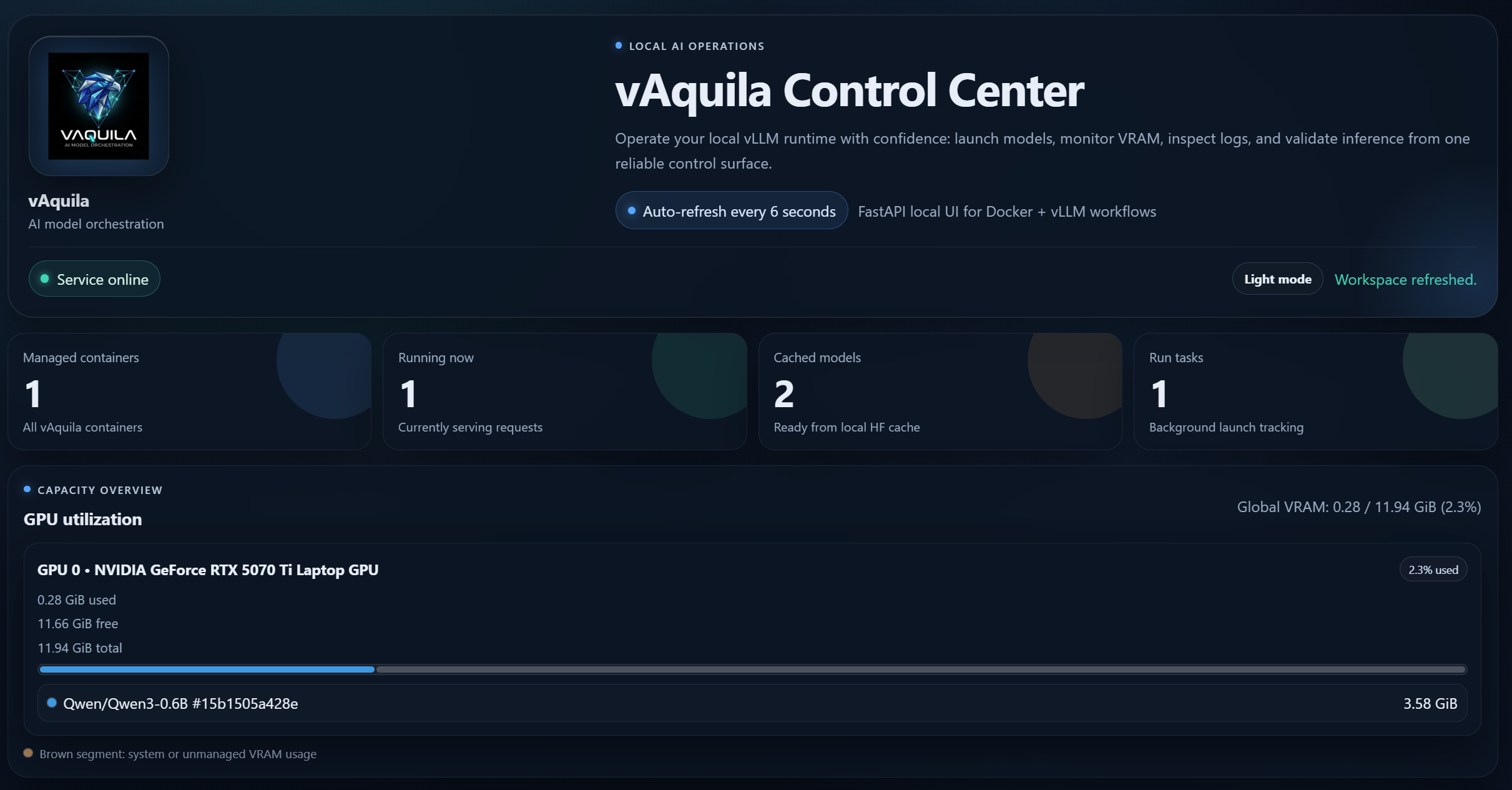
Preview
Capabilities
- Launch models in GPU or CPU mode
- Follow run tasks and logs
- Stop containers and clear cache
- Inspect GPU usage and host CPU/RAM usage
- Run quick inference checks
Manual utilization mode
In the Run form, you can set:
GPU utilization ratio(GPU mode)CPU utilization ratio(CPU mode)
When one is set, estimation and auto-optimization are disabled for that launch.